Stopwatch
A stopwatch with laps, merged from InfiniTime's StopWatch and wasp-os's stopwatch. It counts from the moment it started, so it keeps running while the app is closed or the watch sleeps.
Using it
- Tap play, the right button, to start. The screen stays on while the stopwatch runs.
- Tap the flag, the left button, to take a lap; it is greyed out until the first start. The last four laps show above the buttons: the lap number, the lap's own time and the total time when it was taken.
- Tap pause to stop counting. The time blinks while paused; tap play to carry on.
- While paused, the left button turns red: tap it to reset the time and the laps.
- After an hour the time shows hours, and only three laps fit.
Screens
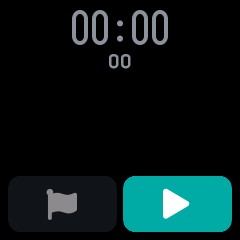
Cleared, before the first start, with the lap button greyed out.
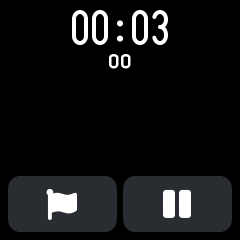
Running: the time with its hundredths below, and the lap and pause buttons.
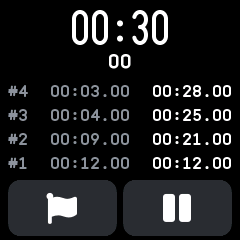
Four laps taken, newest first: each lap's number, its own time and the total when it was taken.
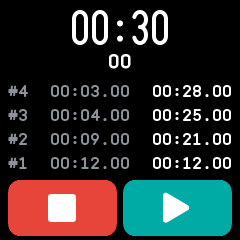
Paused, with the reset button in red.
With the companion app
The Stopwatch plugin's page shows the stopwatch's saved values, such as its laps, as the last sync read them, and can change them on the watch.