Remote
Up to nine buttons set up in the BattleTime companion app, each running an action on the phone or computer when tapped, such as playing music, finding the phone or calling a web address.
Using it
- Tap a button to run its action. The watch gives a short buzz and tells the companion app which button it was; the companion app does the rest.
- Each button shows only the icon chosen for it.
- One button fills the screen, two sit side by side, three or four make a 2 by 2 grid and five to nine use three columns.
- The app reads the buttons again each time it opens or the screen turns on, so changes sent while it is open show then.
- Without buttons the app says to choose them in the companion app.
Screens
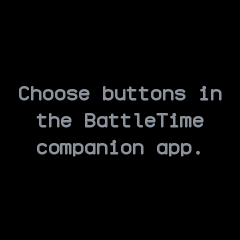
No buttons set up yet, with a reminder to choose them in the companion app.

One button, a phone icon, filling the screen.
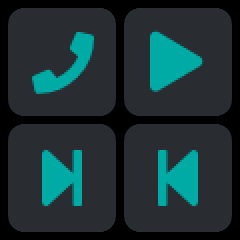
Four buttons in a 2 by 2 grid: phone, play, next and previous.
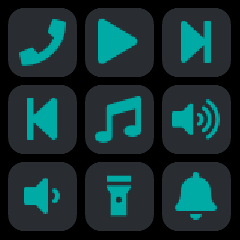
Nine buttons in three columns, from phone and media controls to a torch and a bell.
With the companion app
- The companion app's Remote screen holds the buttons. Add a button, then give it a label (shown only in the companion app), an icon for the watch, and what it does:
- Ready-made: play or pause, play, pause, next track, previous track, volume up, volume down, or find this device.
- Web request: a method, an address and, where it takes one, a body.
- Command: a shell command run on the computer running the desktop app, stopped after 30 seconds.
- Android: open a link, start an activity or send a broadcast, with optional extras.
- Each button can be edited, moved Up or Down, tried with Test, or removed. A button whose action this phone or computer cannot run says why, and cannot be tested.
- Send to watch puts the buttons on the watch. The actions stay in the companion app, so it must be connected for a tap to do anything.
- Recent taps lists each tap, from the watch or a test, and whether its action worked.
- On a computer,
battletime remote pushsends the buttons from the command line, andbattletime remote listenstays connected and runs each button tapped on the watch. Media keys and Android actions need the app.