Finder
Makes the connected phone ring so you can find it, and stops it again. Ported from wasp-os's phone_finder.
Using it
- Tap Ring to make the phone ring. A message says Ringing your phone and the button turns red and reads Stop.
- Tap Stop to stop the ringing. Leaving the app stops it too.
- Without a phone connected, the card says Phone not connected and the button is dimmed and cannot be tapped.
Screens
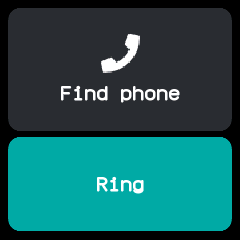
Ready, with the phone connected.
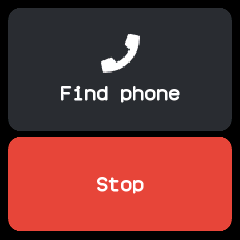
Ringing, after tapping Ring; the button now reads Stop.
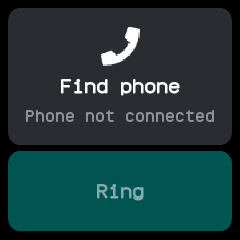
No phone connected, with the button dimmed.
With the companion app
The watch asks the phone to start or stop ringing with Gadgetbridge's find-phone message, which Gadgetbridge answers by ringing. The BattleTime companion app shows The watch is looking for this phone on its main screen while the watch asks.