Mobile View
These set of scripts allow you to use the full capabilities of the Trilium server user interface while on a mobile device.
What the scripts do
- On startup, Set the zoom and viewport to match the size of your mobile device
- Shows only one pane at a time according to which view you select
- Enables overflow for the left hand sidebar, improving readability for long page titles
- Highlights the button for the view you are currently on
- Works with both the vertical and horizontal launcher pane layouts
How to Use
Add the scripts as directed by the comments at the top of each file, then reload Trilium. After launch, you will have 4 additional buttons on the sidebar.
- Toggle Mobile View - This allows you to toggle between the full desktop view and the mobile view
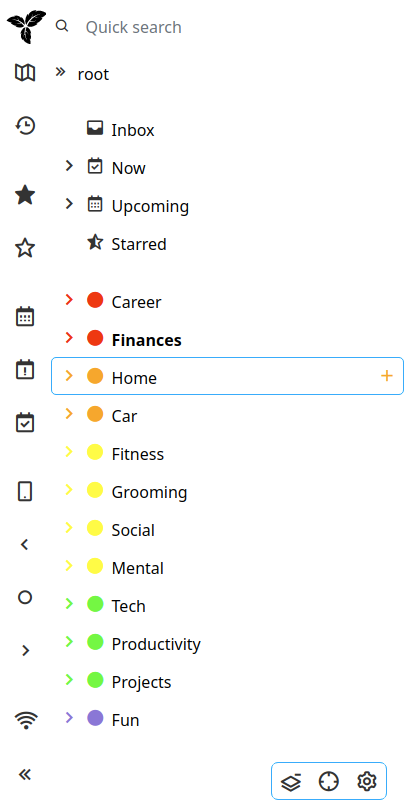
- Set Sidebar View - Shows the left sidebar with the page hierarchy
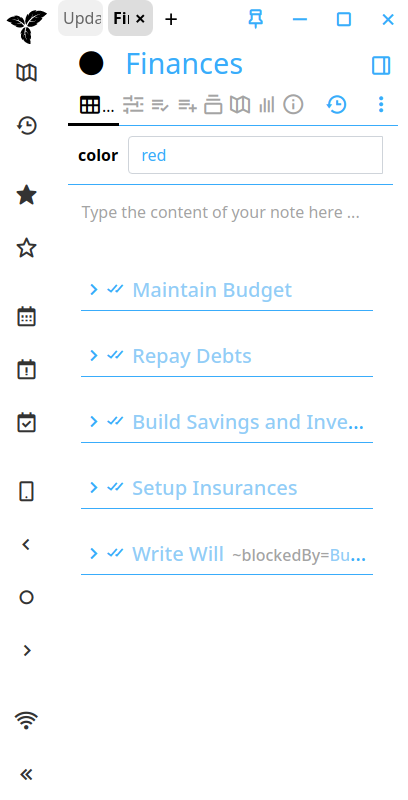
- Set Note View - Shows the note contents, labels and tabs
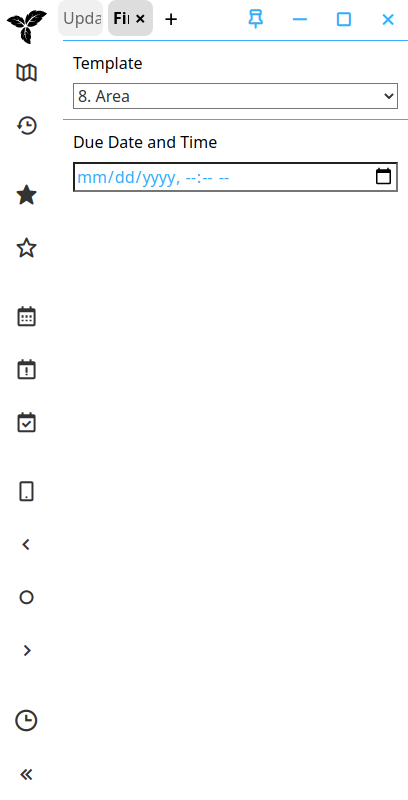
- Set Right Panel - Shows the right panel along with any widgets such as the Table of Contents
Note, these scripts are intended to be used while Trilium web is in Desktop mode, not Mobile mode. Switch the mode to Desktop mode in the Trilium options menu before enabling mobile view from the launcher.
Screenshots
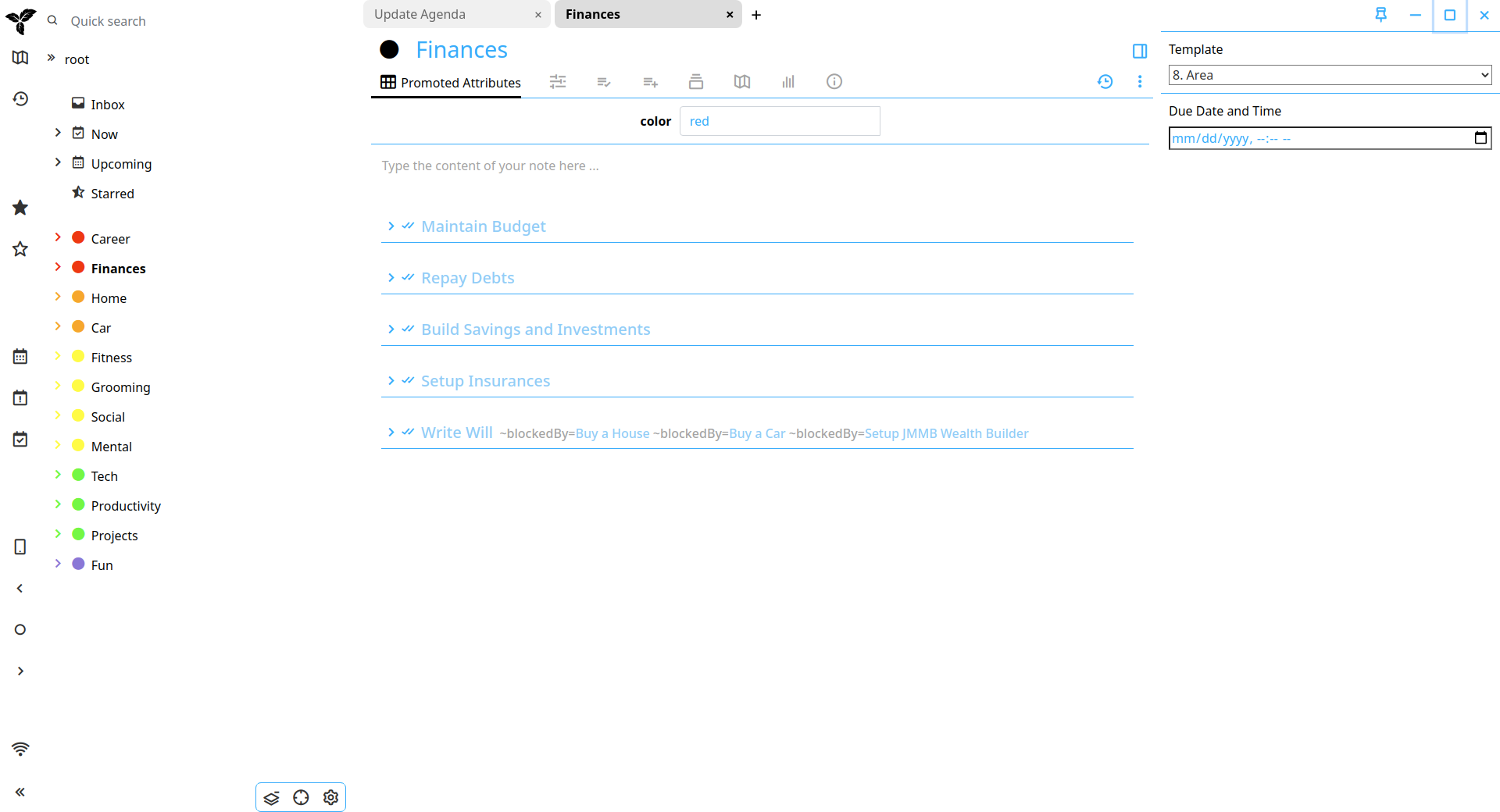
This is the full view without the mobile view activated.
With mobile view activated and the sidebar view selected, only the left sidebar is shown
With the note view selected only the note contents and attributes are shown
With the right panel view selected only the right panel and widgets are shown
Versions
0.0.7
Note: the version numbers below predate the manifest's latestVersion, which is the number TAM
installs against.
- Support the new right pane layout, where
#right-paneis wrapped in#right-pane-host - Size the widget from the launcher pane's own orientation variables instead of the vertical ones, fixing the button sizes in a horizontal launcher pane
- Build the buttons from Trilium's
ActionButton, so they get the standard tooltips and states - Highlight the active view button
- Fix long sidebar titles being clipped instead of wrapped
2.0
- Consolidate all code to a single widget
- Autohide view buttons when not in mobile view
1.0
- Initial Build